Today, the Beelink SER9 became the first working node of the AI Lab. Here's everything that happened, in order.
Hardware
| Machine | Beelink SER9 |
|---|---|
| CPU | AMD Ryzen AI 9 HX 370 |
| RAM | 32 GB LPDDR5X |
| GPU | Radeon 890M integrated graphics |
| NPU | ~50 TOPS AI NPU |
| Storage | 1 TB SSD |
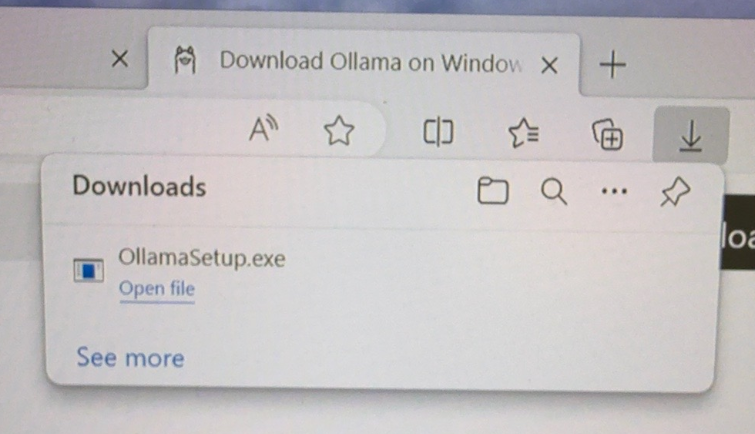
The least dramatic part of the whole day — and after everything else that happened, that's a compliment.
Setup completed
- Windows configured
- 4-digit Windows Hello PIN configured
- Windows Update checked
- Optional Windows Preview update skipped
- OneDrive sync restored
- Windows Terminal font enlarged
- Ollama installed
- Qwen2.5-Coder:14B downloaded
- First successful local inference completed
- Tailscale installed
- Device joined Tailscale as
ai-lab-b - Tailscale IP observed:
100.80.190.11 - Open WebUI installed
- Open WebUI automatically detected Ollama and qwen2.5-coder:14b
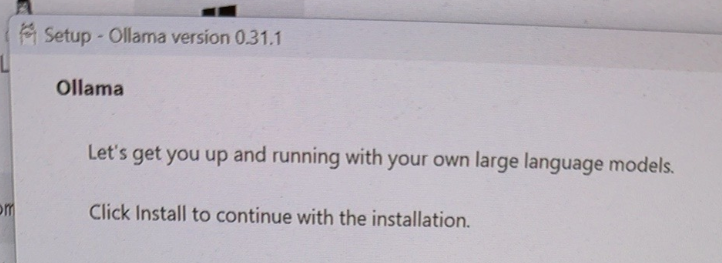
"Click Install to continue" — the last easy decision for the next twenty minutes.
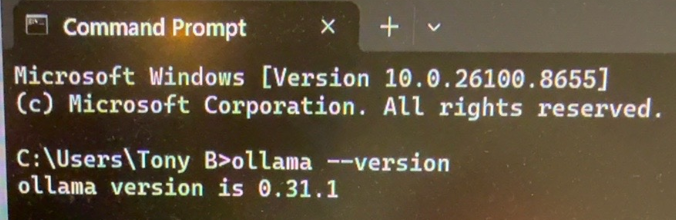
The moment you find out the install actually stuck, instead of just looking like it did.
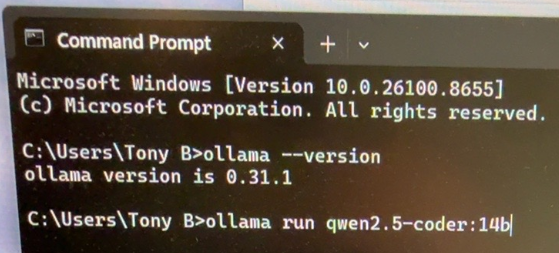
Typed the command, held our breath. First time asking this box to think for itself.
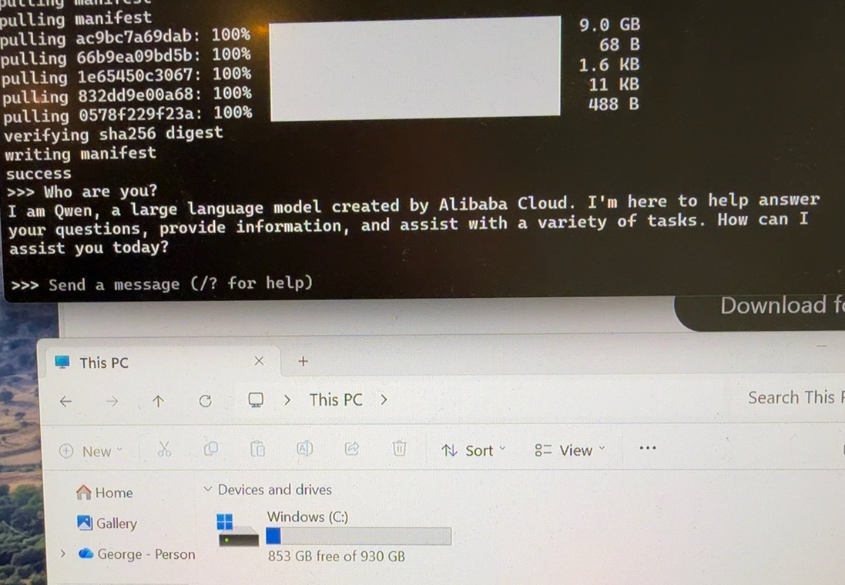
It's alive, and it introduced itself before we even asked. First real proof the whole stack — model, Ollama, hardware — was actually talking to itself, not just installed side by side.
Storage measurements
| Before Ollama | 867 GB free / 930 GB total |
|---|---|
| After Ollama | 862 GB free |
| After Qwen2.5-Coder:14B | 853 GB free |
| After Open WebUI + deps | 847 GB free |
Approximate usage
- Ollama platform: ~5 GB
- Qwen2.5-Coder:14B: ~9 GB
- Open WebUI and dependencies: ~6 GB
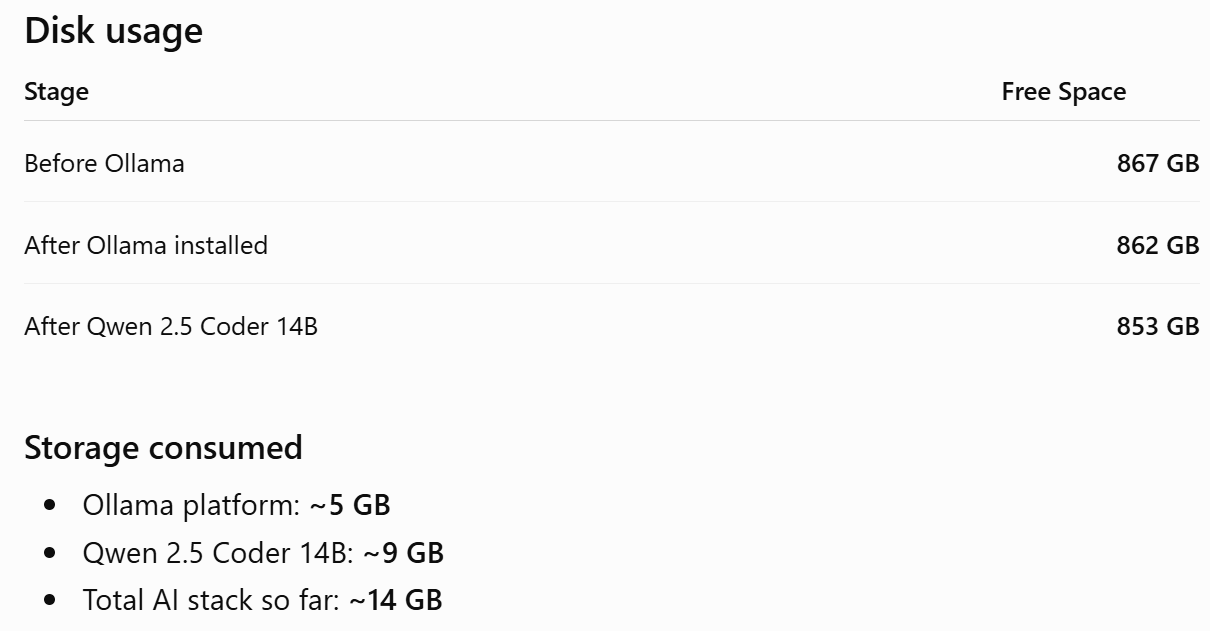
14 GB for an entire local AI stack. Cheaper than installing a AAA game.
Quote of the day
"We're on a mission from Allah."(A joking Blues Brothers-style moment — not to be taken any more seriously than the movie was.)